
Start your business in 5 minutes
Payment processing, tax reporting, and document management — all in one mobile app.
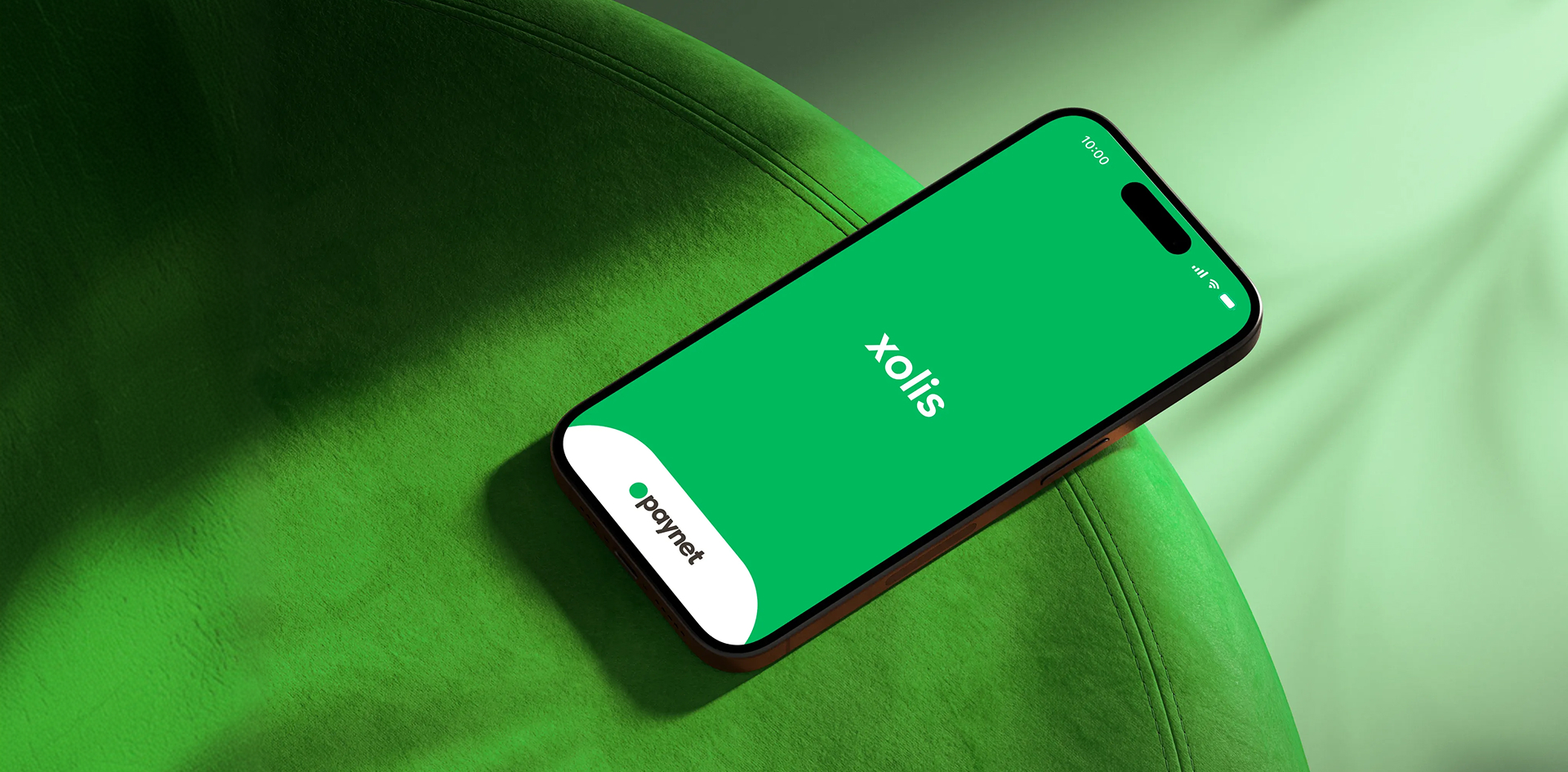
Accept Payments
(Video instructions)
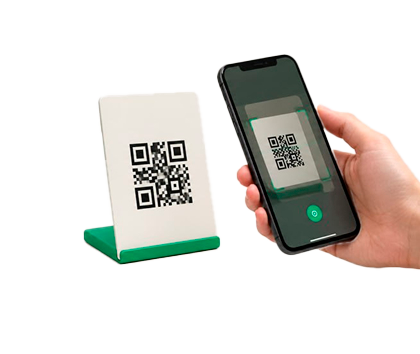
Unified QR Code
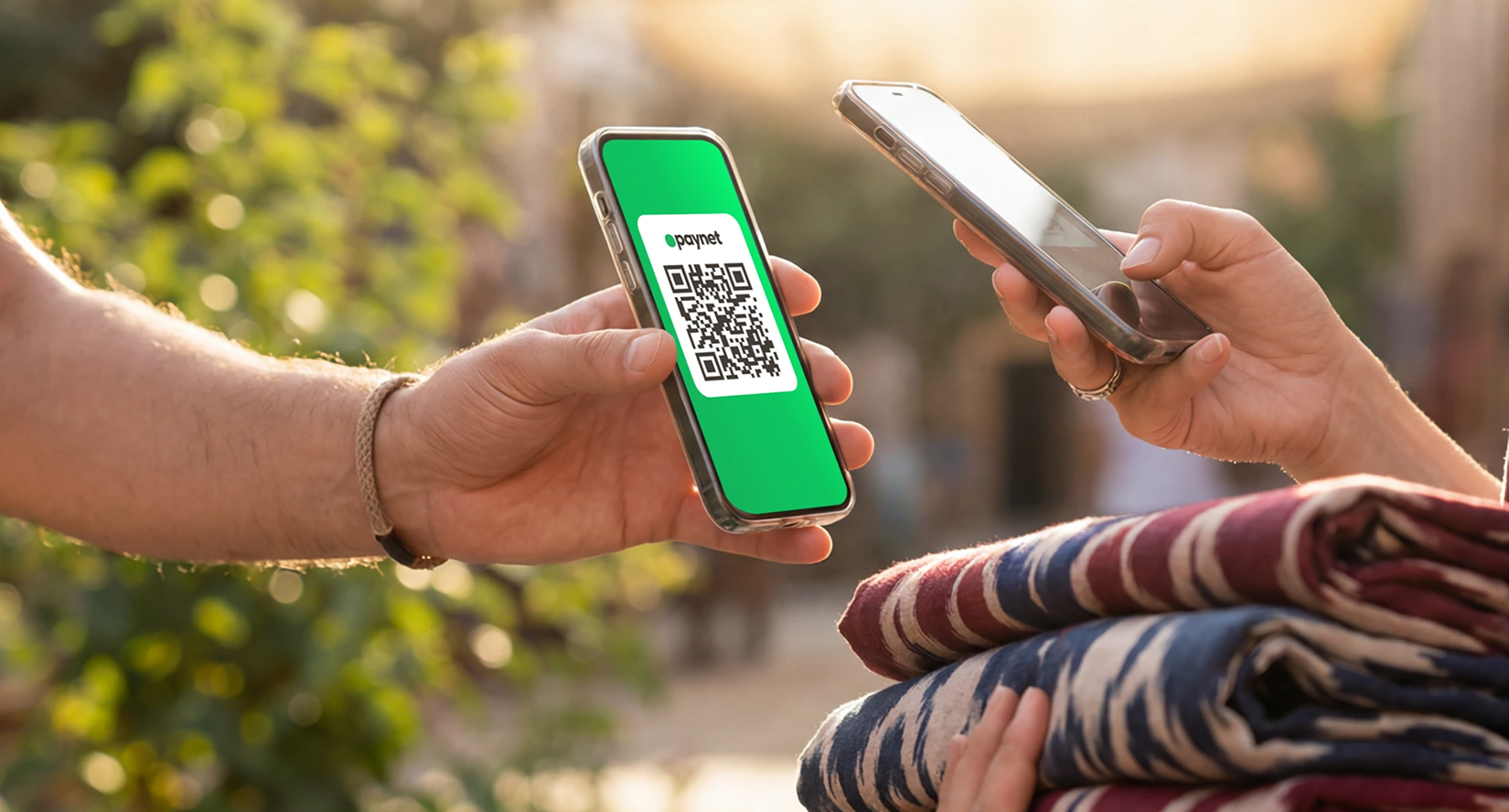
Accept payments from more than 30 banking and payment applications in Uzbekistan with a single QR code.
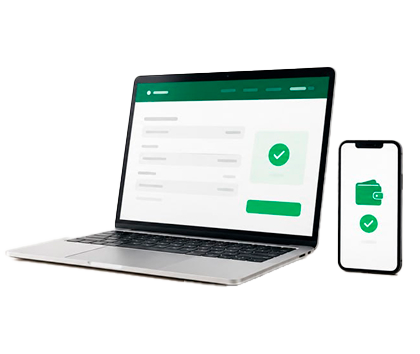
Payments from Legal Entities
Partner companies can transfer payments directly to your business wallet through the MUNIS system.
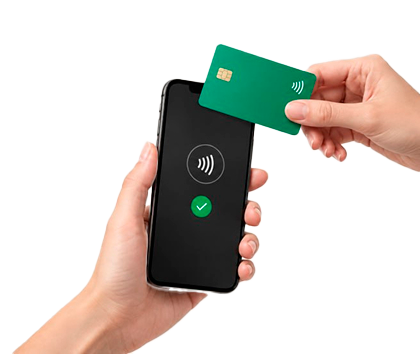
Accepting Payments by Bank Card (NFC)
Simply tap the customer’s card against your smartphone — and the payment will be completed within seconds.
Invoicing
Create and send an invoice to your customer directly from the app.
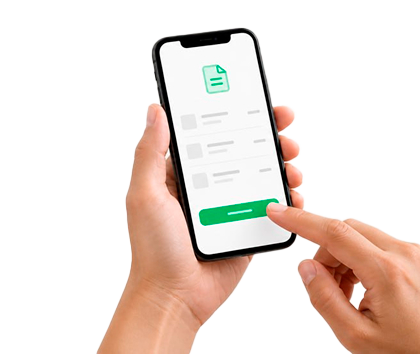
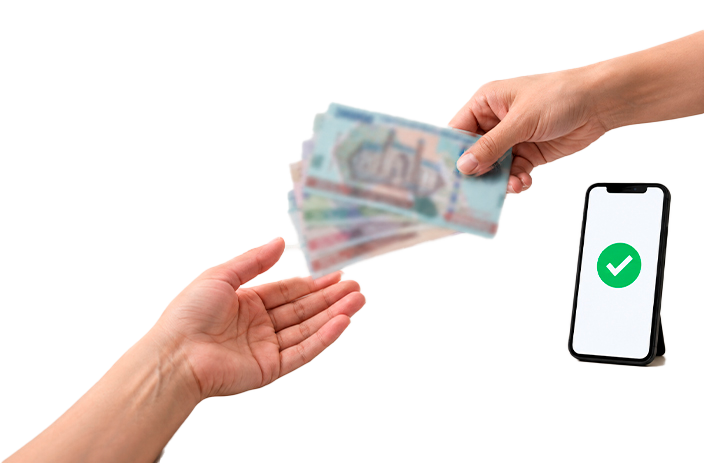
Accepting Cash Payments
Accept cash payments just as officially as cashless payments.
Xolis News and Updates
Frequently Asked Questions
Open your QR code in the Xolis service, tap «Download» or «Print», and place it at the checkout or on the display for customers’ convenience.
If you are an individual entrepreneur or self-employed and already accept payments through Xolis QR, you do not need to additionally obtain a Unified QR Code.
Benefits of Xolis QR:
0% commission for entrepreneurs when accepting payments
0% commission for customers when paying through the Paynet app
A 0.65% commission is charged to the entrepreneur for payments made through the Unified QR Code.
Funds from the Xolis business wallet can be withdrawn:
To a Paynet card — 0% commission
To Uzcard and HUMO cards — 0.9% commission
In cash through Paynet agents — 1% commission
To a bank account — 1% commission
All transactions are carried out within the established business wallet limits. If the limit is exceeded, the transaction will not be processed.
Download the Paynet app from the App Store or Google Play, open the «Services» section, find the Xolis service, and verify your identity using Face ID.
Go to the Xolis service and start setting up your profile. Verify your identity using Face ID, select the appropriate status — «Individual Entrepreneur» or «Self-Employed Person» — and specify your business activity. The application for state registration will be submitted electronically online and takes just a few minutes.
The main difference lies in the types of activities permitted and the business opportunities available.
A Self-Employed Person — an individual who works independently without hired employees and personally provides services from a limited list of permitted activities. Examples include tutoring, childcare and elderly care, household services, selling goods on marketplaces, agricultural work, and others. For an annual turnover of up to UZS 5 billion, a 1% turnover tax applies.
An Individual Entrepreneur (IE) — an officially registered entrepreneur with a broader range of permitted activities, including retail trade, hairdressing and beauty services, vehicle repair, real estate and translation services, and others. An IE may also hire employees, open retail outlets, and enter into contracts with legal entities. For an annual turnover of up to UZS 5 billion, a 1% turnover tax also applies to individual entrepreneurs. If this threshold is exceeded, the entrepreneur switches to the general taxation regime in accordance with the legislation of the Republic of Uzbekistan.
A personal QR code is generated automatically once when you register with the Xolis service. You can also send a payment link using the «Share» button. The customer scans the QR code or follows the link, enters the amount, and makes the payment. The funds are credited to the business wallet instantly. Payments can be accepted through any banking app or payment service.
Fill out the application
Guide: A Step-by-Step Guide to Xolis
Official Xolis Telegram Channel: News, Guides, and Explanations from Paynet Specialists
Quick Start: Four Steps to Your First Sale
- Download the Paynet app from the App Store or Google Play
- Open the Xolis service within the app
- Verify your identity using Face ID — it only takes a few minutes
- Select your business activity and get connected


Download the App